Introduction
Catalogue printing is still one of the most effective ways to showcase your products and connect with customers in a tangible way. In this guide, we’ll cover everything you need to know, from planning and design to choosing the right paper and binding. You’ll also learn practical tips for creating visually appealing layouts, and discover tools that make the entire process smooth and straightforward.
What is a Catalogue?
A catalogue is a printed or digital publication that displays products or services in an organised format for customers to browse and compare. It acts as a structured sales tool, combining design, product information, and branding into one cohesive document. Many businesses use catalogues to support direct mail campaigns, trade shows, retail displays, and in-store browsing. Retail brands, wholesalers, designers, and manufacturers also use them to present information in a digestible manner. They remain popular as readers can flip through pages, mark items, and return to products easily.
Choosing the Right Catalogue Size
In catalogue printing, size affects readability, cost, portability, and visual impact. Larger formats provide more detail, while smaller formats can reduce printing and postage costs. Popular catalogue sizes include:
- A4: a standard full-size format. It provides ample space for images, descriptions, and multi-column layouts. Businesses often use A4 for corporate catalogues, fashion collections, and large product ranges.
- A5: half the size of A4. It is compact and cost-effective while still offering enough room for visuals and text. Many brands choose A5 for promotional catalogues and event materials.
- A6: small and portable, this size works well for product lists, collections, or hand-outs at trade shows and retail counters.
- Square: for a modern and balanced appearance, this size highlights photography effectively and stands out from traditional rectangular formats. Many lifestyle, design, and fashion brands prefer square layouts for maximum visual impact.
Catalogue Design Tips for Professional Printing
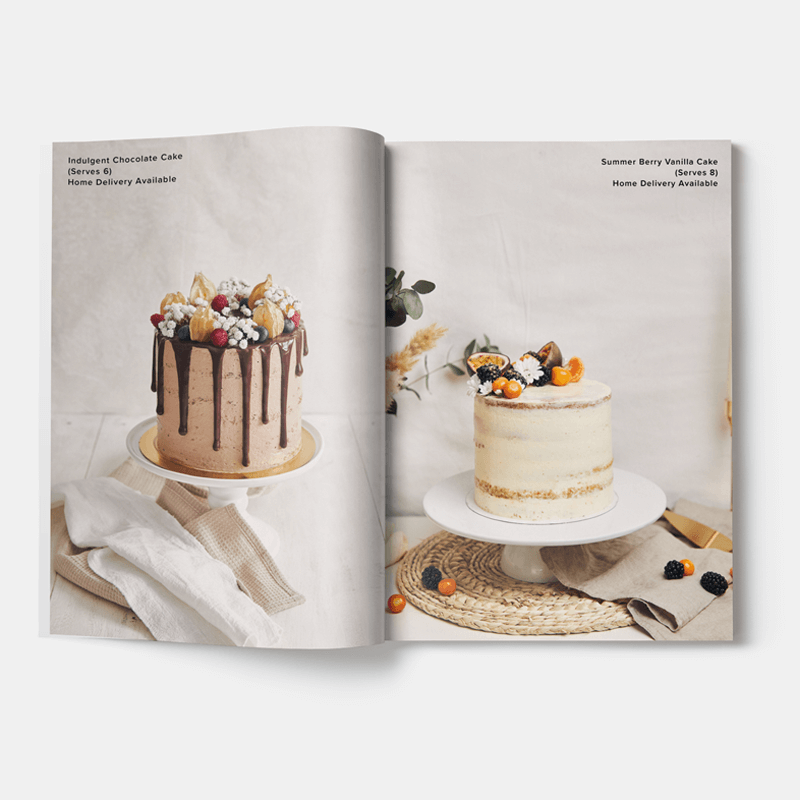
Designing a catalogue is more than arranging images and text - it requires careful planning to ensure readability, visual appeal, and professional quality printing. Follow these steps to ensure your catalogue leaves a strong impression:
- Keep Layout Consistent: Use consistent margins, fonts, and colour schemes across all pages.
- Leave Adequate Margins: Ensure sufficient space around edges and binding sides to prevent content from being cut. For tips on setting correct margins and ensuring your content prints correctly, see our guide to bleed in printing.
- High-Quality Images: Always use high-resolution images for sharp, clear prints. Low-quality images can reduce perceived professionalism.
- Use Clear Headings: Headings and subheadings guide readers through the catalogue, making navigation easier.
- Consider Flow: Arrange pages logically to enhance readability and comprehension. Mixam’s platform allows you to drag and drop pages for easy reordering. Alternatively, click the three-dotted icon under a page and enter the new page number to move it.
- Proof Before Printing: Mixam’s automated file checks help spot errors, but reviewing a proof yourself ensures it’s correct. You can preview your catalogue in a flipbook format to verify layout and artwork thumbnails before confirming your order.
Choosing Paper Weight and Cover Finishes for Catalogue Printing
Paper weight is measured in grams per square metre (gsm) and refers to the weight of a ream of paper in its uncut size. Heavier papers are more durable, making them ideal for frequently handled items, while lighter papers are cost-effective for longer runs. Text paper is used for inner pages, and cover paper is thicker for added protection. On Mixam’s Instant Quote Calculator, you can select the cover paper weights using the ‘Add Cover (+4 Printed Pages)’ option. Catalogues without a separate cover that use the same paper for both inner pages and cover are known as a self-cover.
Cover lamination adds a clear protective coating to printed covers. Laminations differ from finishes like matt or gloss, which enhance texture or colour. Common catalogue lamination options include:
- None: No lamination, ideal for creative, writable, or fully recyclable items.
- Matt: Smooth, glare-free, and soft; slightly mutes colours for a subtle, natural look. Often paired with satin paper.
- Gloss: Ultra-smooth with high shine; enhances colour contrast and vibrancy. Perfect for image-heavy catalogues.
- Soft-Touch: Velvety, matte finish that mutes colours; ideal for frequently handled catalogues for a premium tactile experience.
Binding Options for Your Catalog
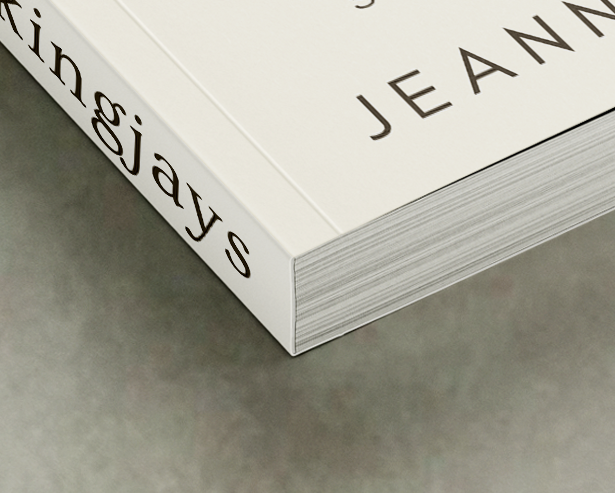
- Perfect Binding: A popular choice for catalogues. Pages are glued to a spine and then joined to a slightly heavier cover, creating a clean rectangular spine. For thicker or heavier catalogues, Mixam uses PUR (polyurethane reactive) adhesive, which ensures durability and flexibility without spine damage.
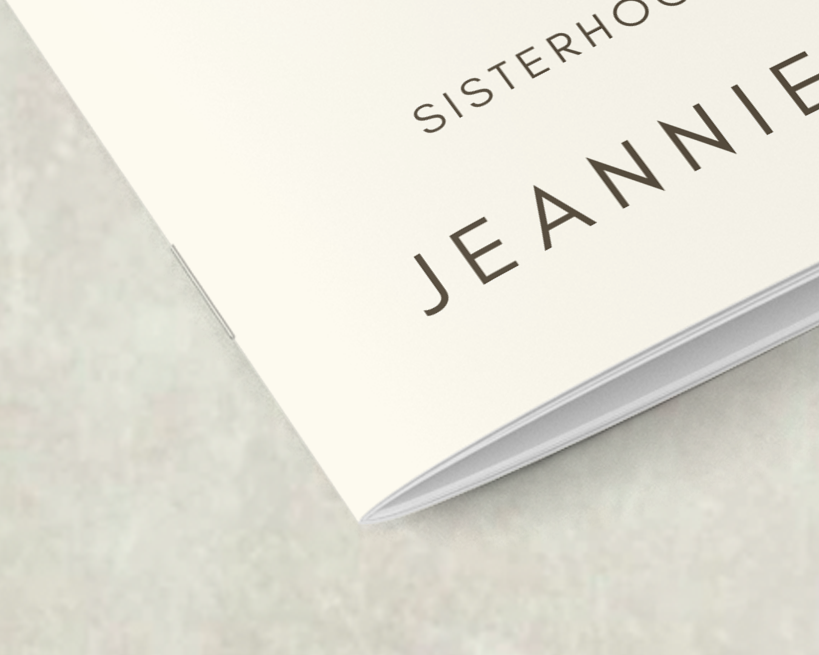
- Saddle-Stitch (Staple): Uses two staples along the centrefold to hold the pages securely. It is a cost-effective, reliable method, especially for catalogues with fewer pages.
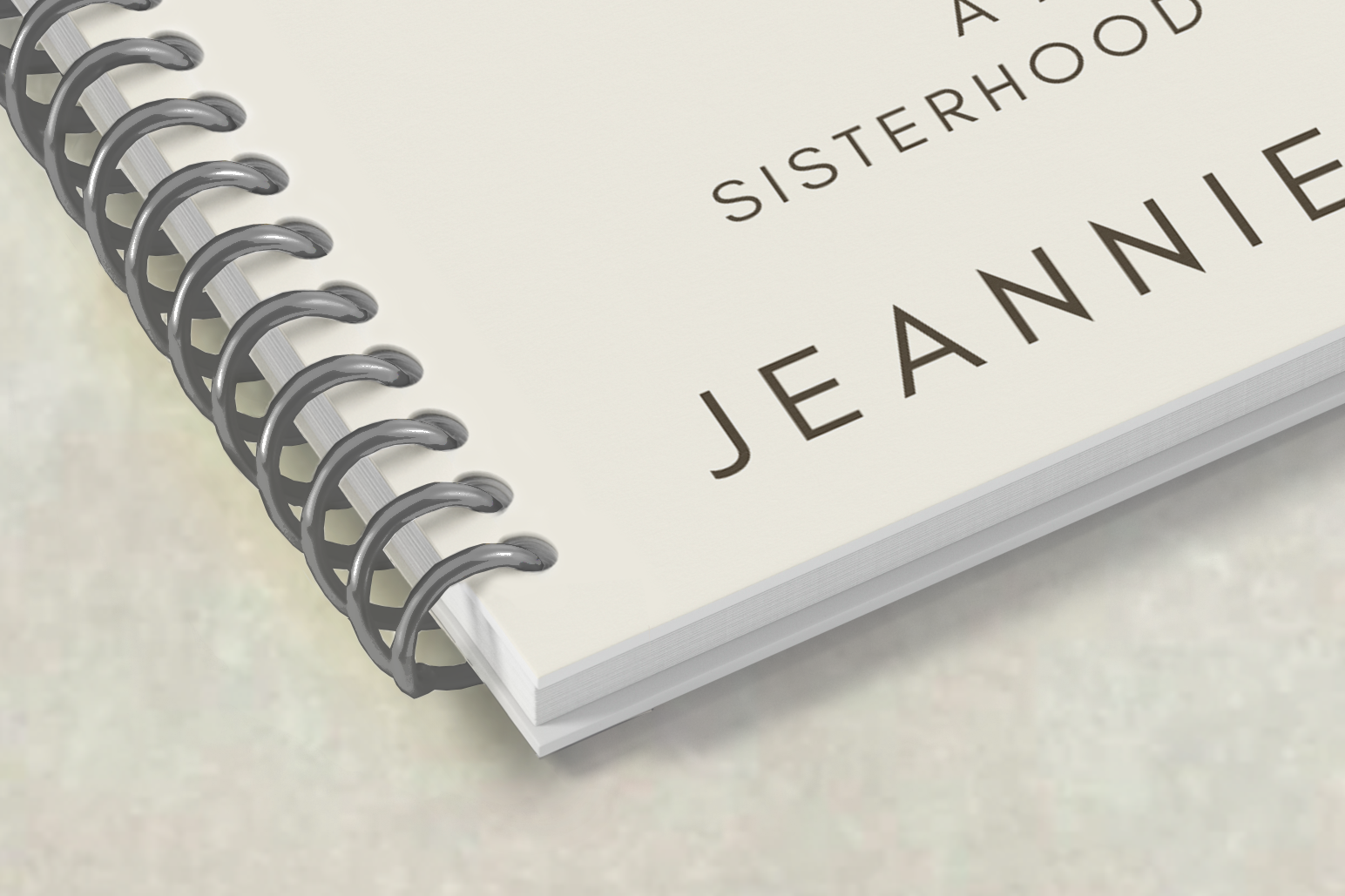
- Wire Binding: Secures pages using C-shaped wire loops, allowing pages to lie flat and rotate 360 degrees. This method is both flexible and durable, accommodating small and large page counts.
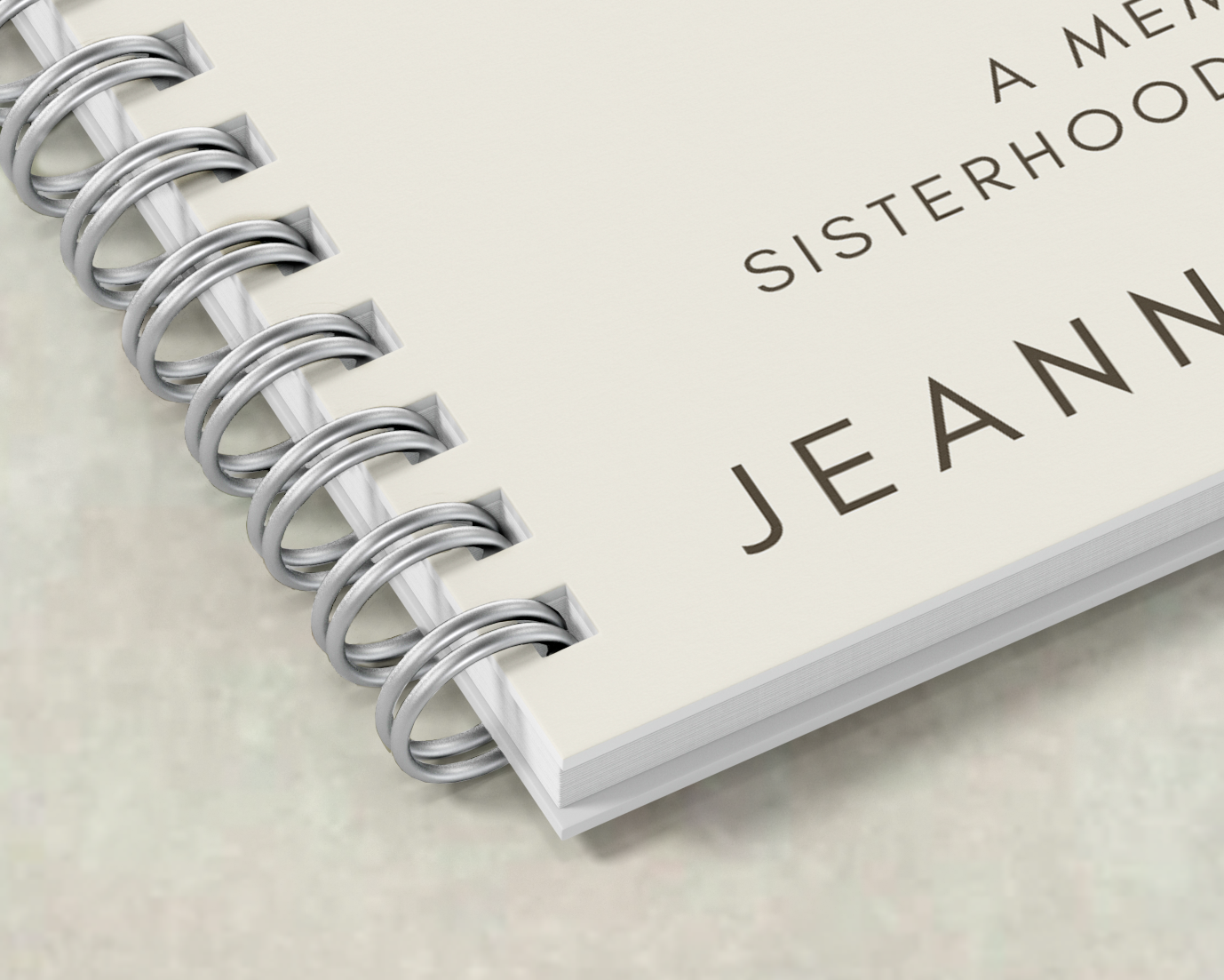
- Spiral Binding: Uses a plastic coil threaded through punched holes along the binding edge. Pages rotate 360° and lay flat when open, making it practical for day-to-day use. Spiral binding is particularly useful for catalogues that need to be referenced frequently, such as event booklets.
How to Upload Your Files
Mixam accepts various file types for catalogue printing. We convert non-PDF files into high-quality PDFs for printing, preserving formatting, style, and image integrity.
Alternatively, Mixam offers a free Design Online tool, which simplifies file creation with pre-made layouts, typefaces, and graphics. You can design the cover, body, or spine, and select ‘Expert’ mode for advanced editing control. The tool automatically applies your specifications from the Instant Quote Calculator, including size, page count, and printing guidelines. This makes designing a catalogue faster and more accessible, even for first-time creators.
Sustainable Catalogue Printing Options
Sustainable catalogue printing reduces environmental impact. Many modern print providers use energy-efficient presses and waste reduction systems. Mixam supports these practices with energy-efficient production methods and machinery to streamline production, ensuring each print uses only the energy required. We also print designs on large sheets of paper, and all paper scraps and trimmings are recycled.
Furthermore, we use plant-based inks, which are renewable, non-toxic and biodegradable. These inks provide vibrant, full-colour printing while minimising the chemicals and energy needed during recycling.
Why Choose Mixam for Catalogue Printing
When choosing a catalogue printing provider, look for a service that offers transparent pricing, file checks, flexible quantities, and global distribution. Mixam provides these features to support businesses at every stage of the printing process. Our platform is intuitive, and our Instant Quote Calculator lets you see costs and delivery options instantly. Every file is automatically reviewed, and our team of experts is ready to guide you if adjustments are needed.
Conclusion
Catalogue printing has never been easier. From binding and paper selection to design and file uploading, every step is streamlined for efficiency and quality. Start printing your project today by visiting our Catalogues page.
Main Image Credit: Pixabay